Turn a photo into an oil painting with AI
An ordinary phone photo becomes a classic oil portrait — visible brushstrokes, warm palette, the same face. A thoughtful gift that is ready to print.
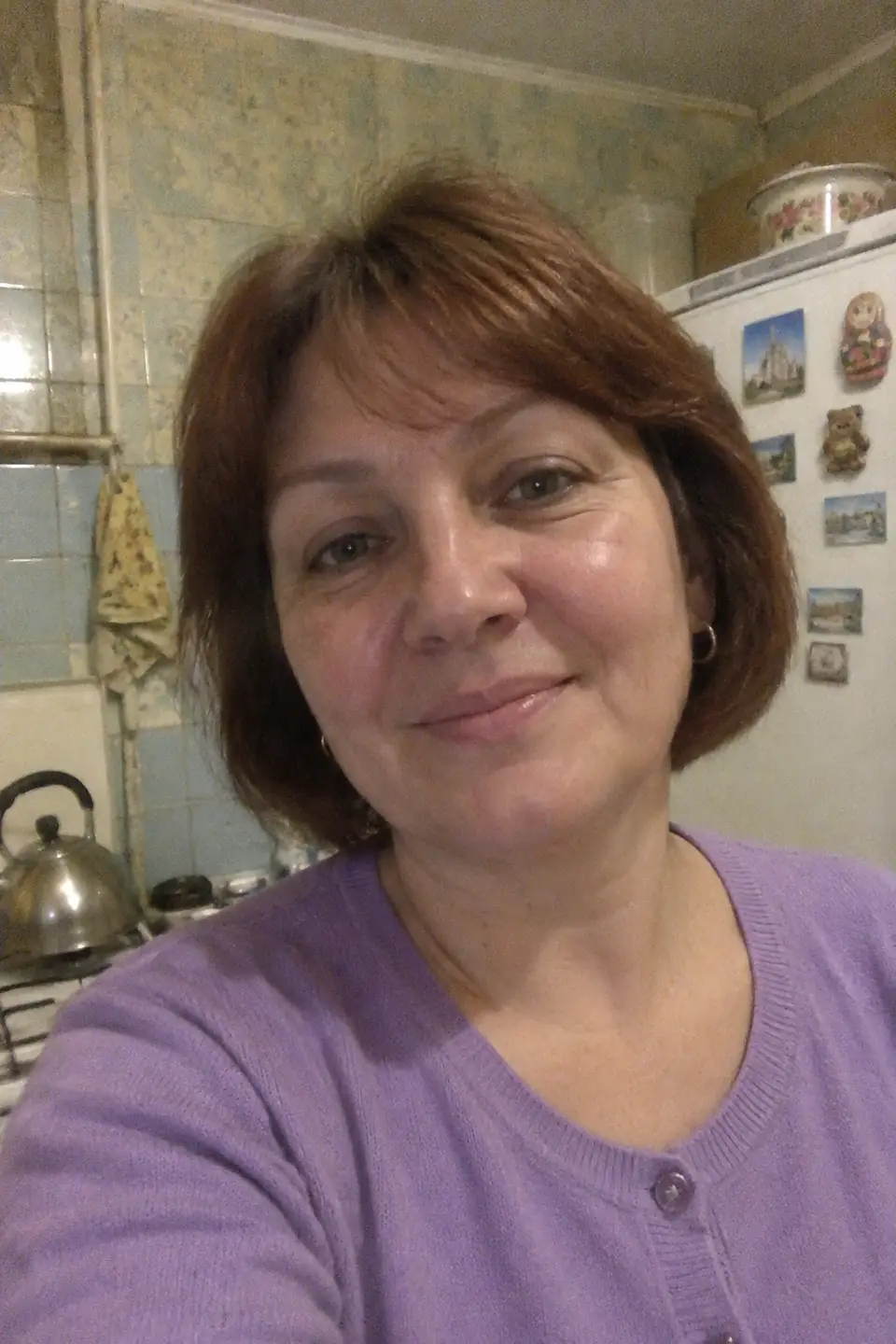
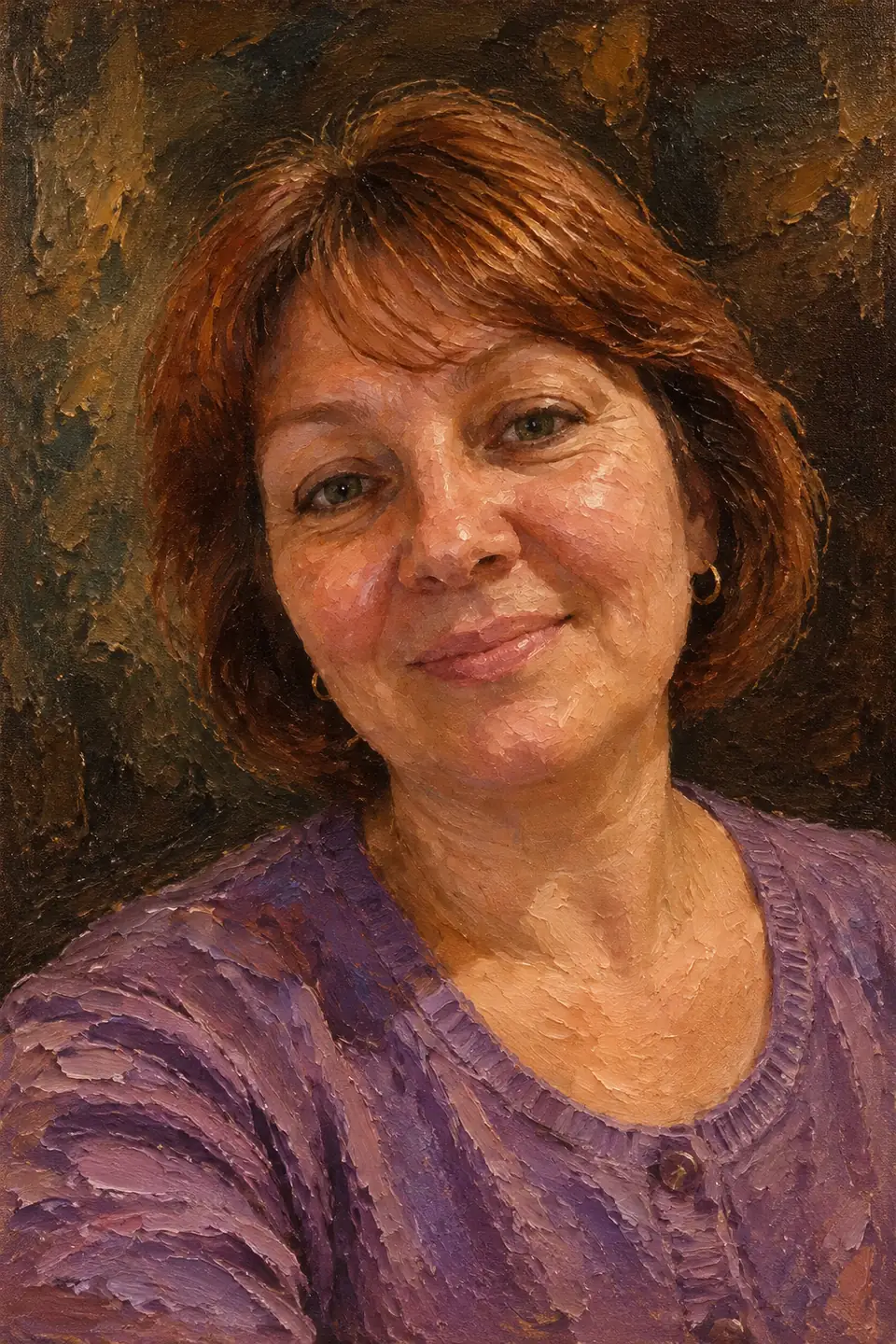
Oil, watercolor and pencil
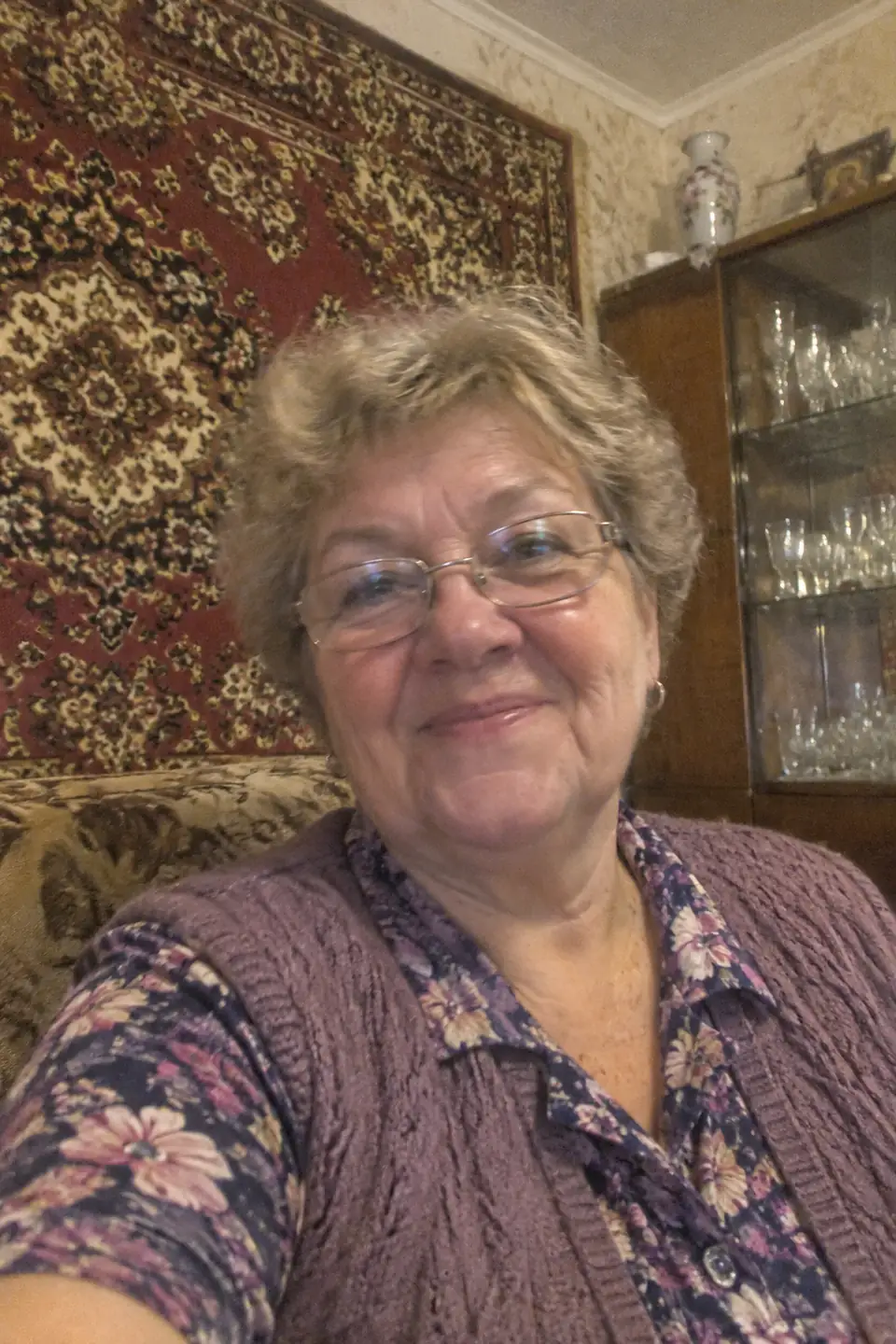
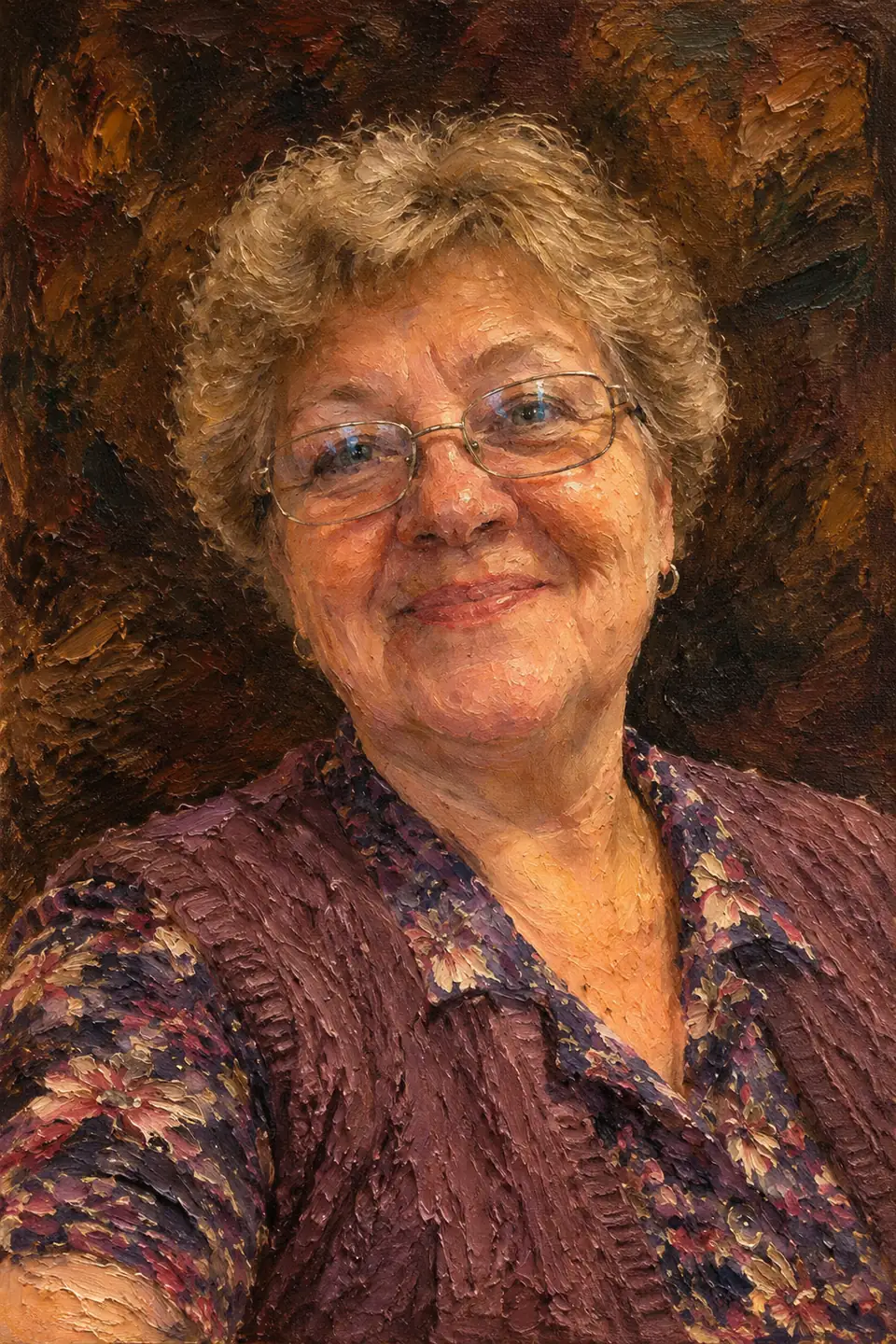
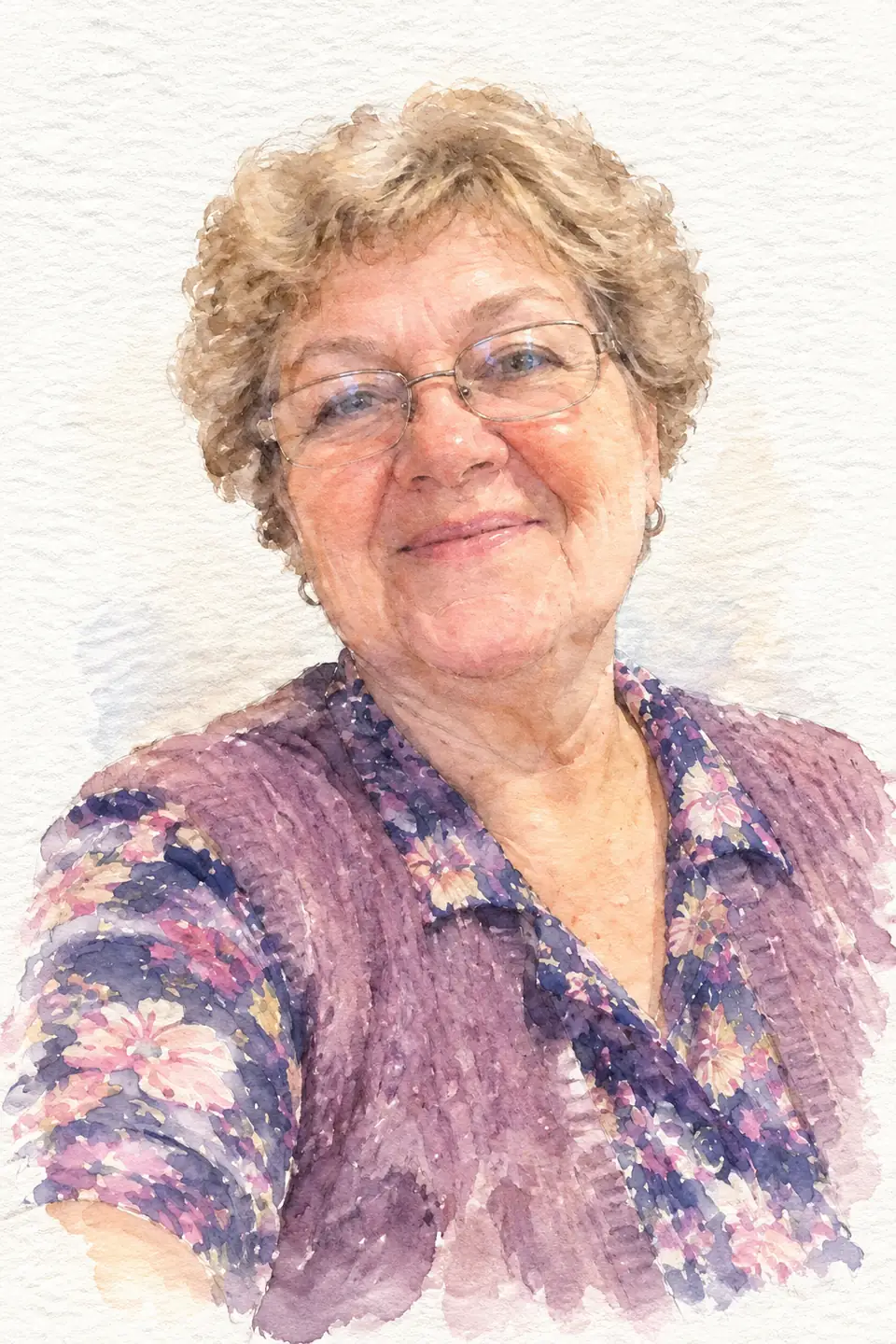
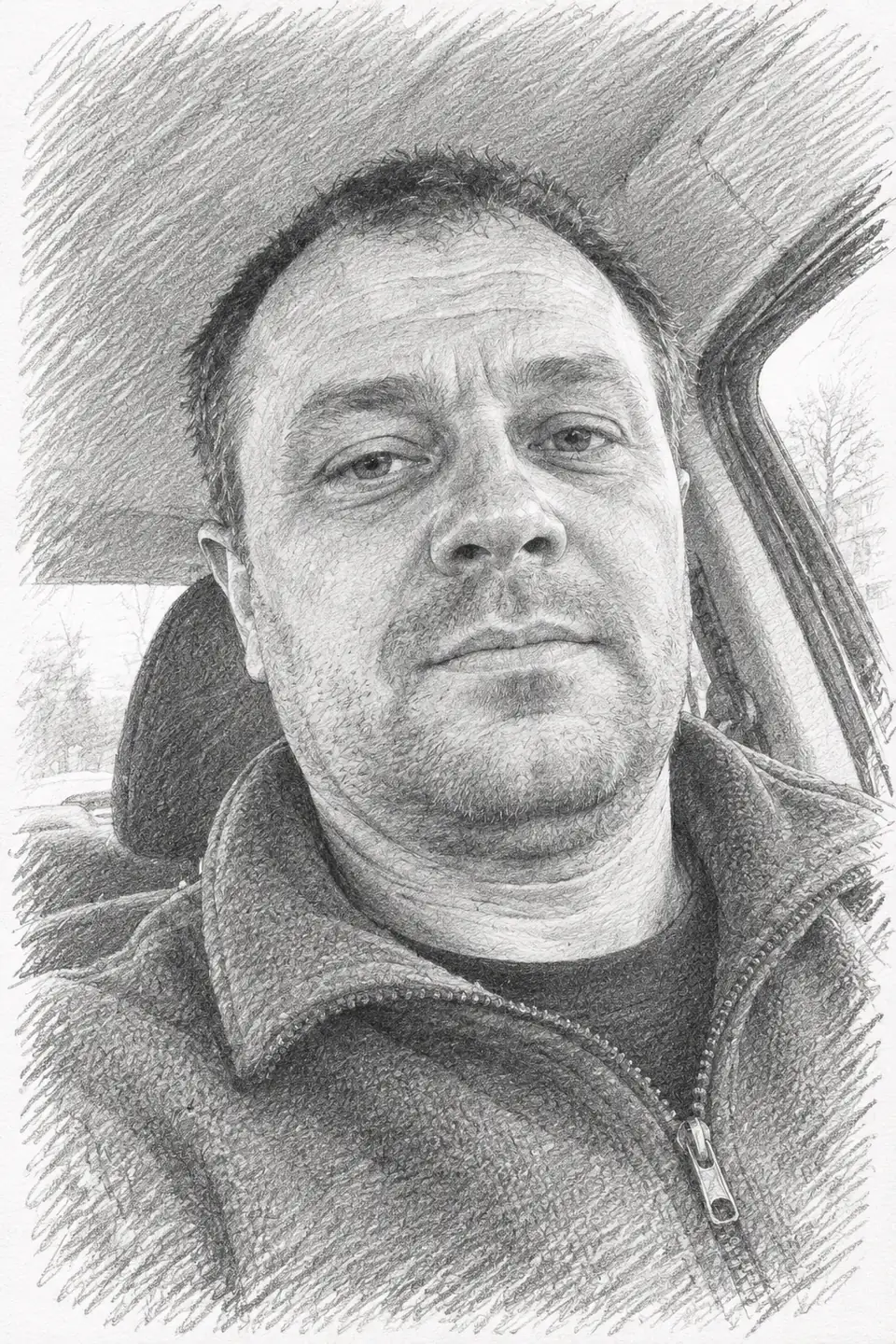
- Oil — rich and classic; the favourite for anniversaries and grandparents
- Watercolor — light and airy, lovely in a white frame
- Pencil sketch — graphic and timeless
Couples and families
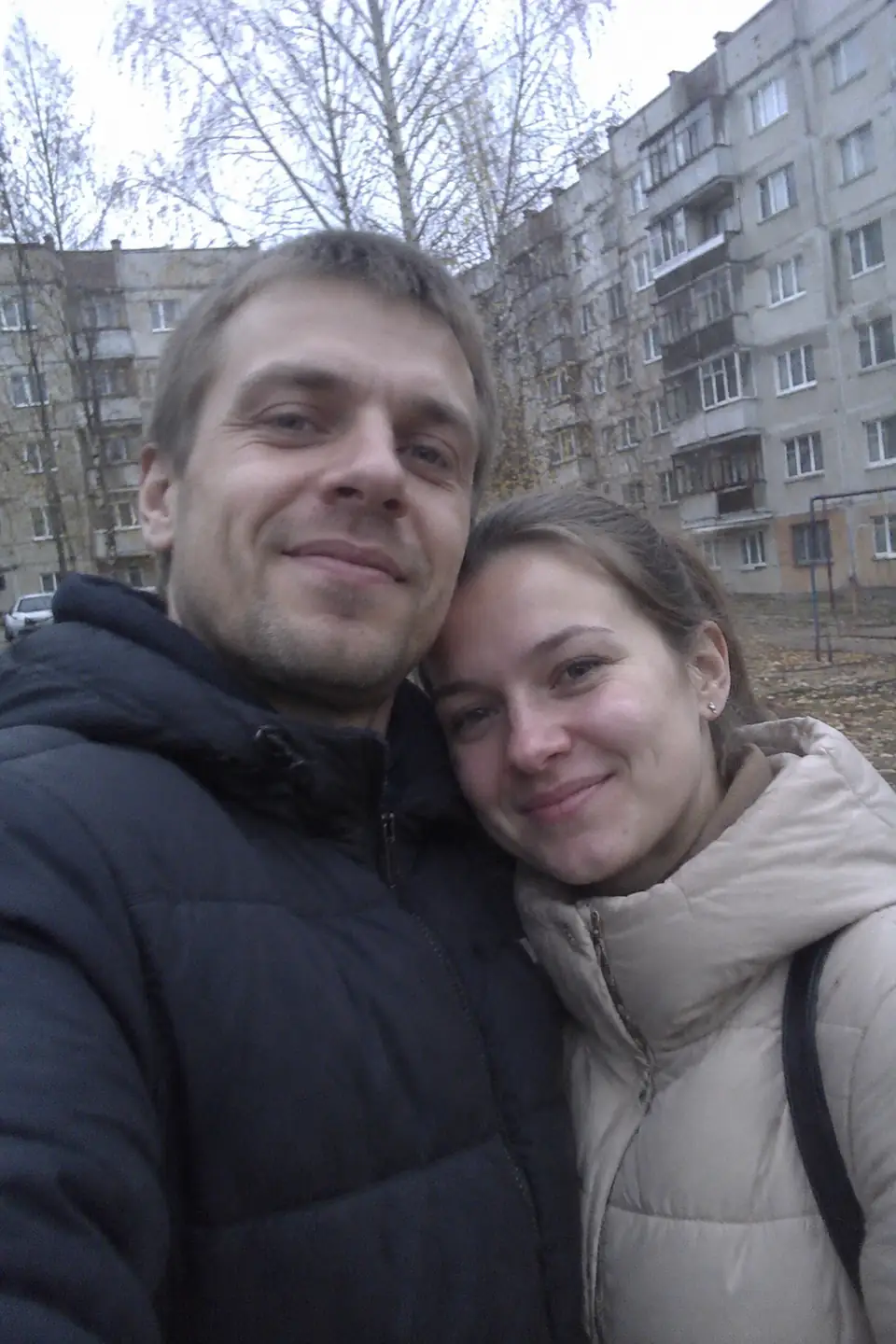
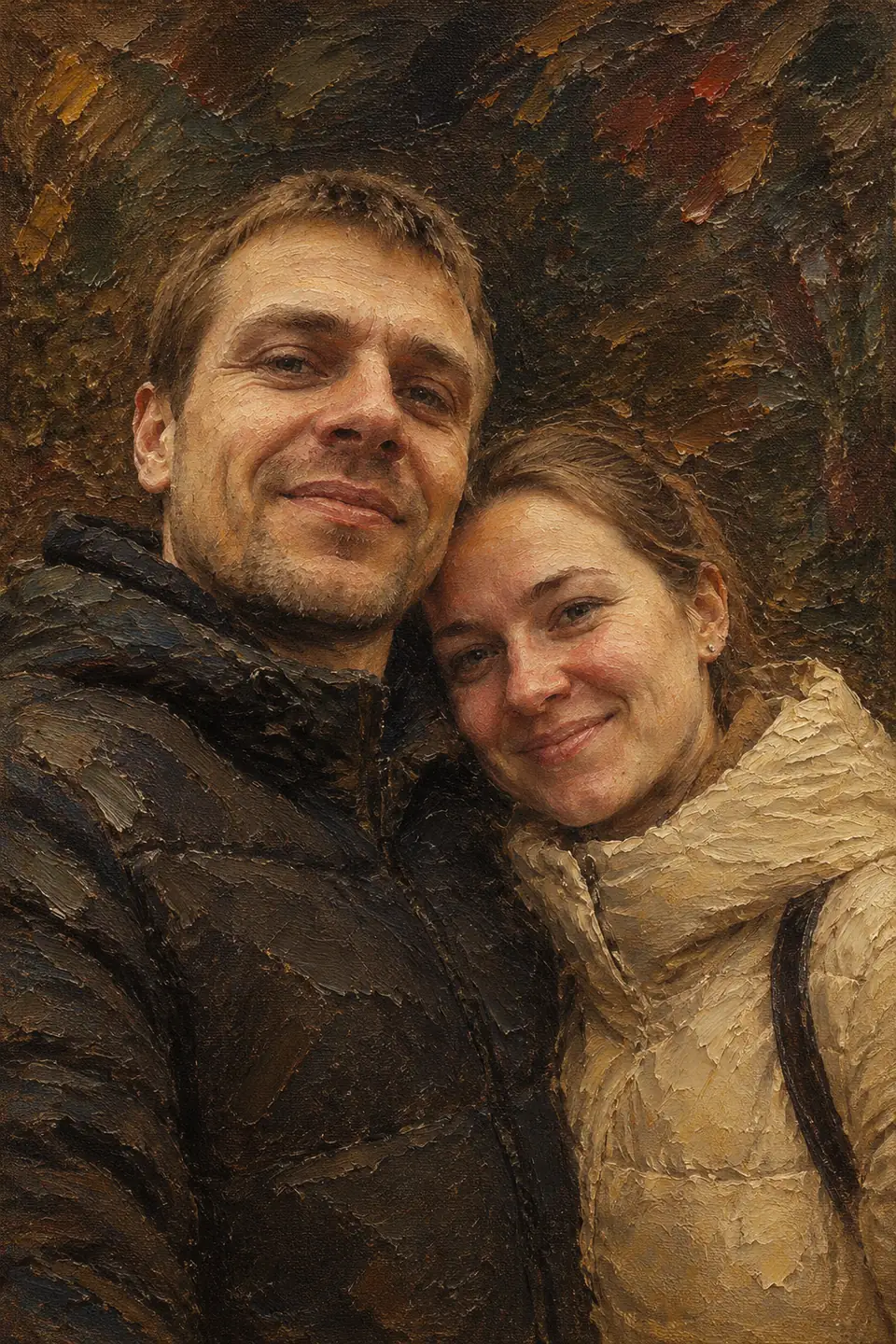
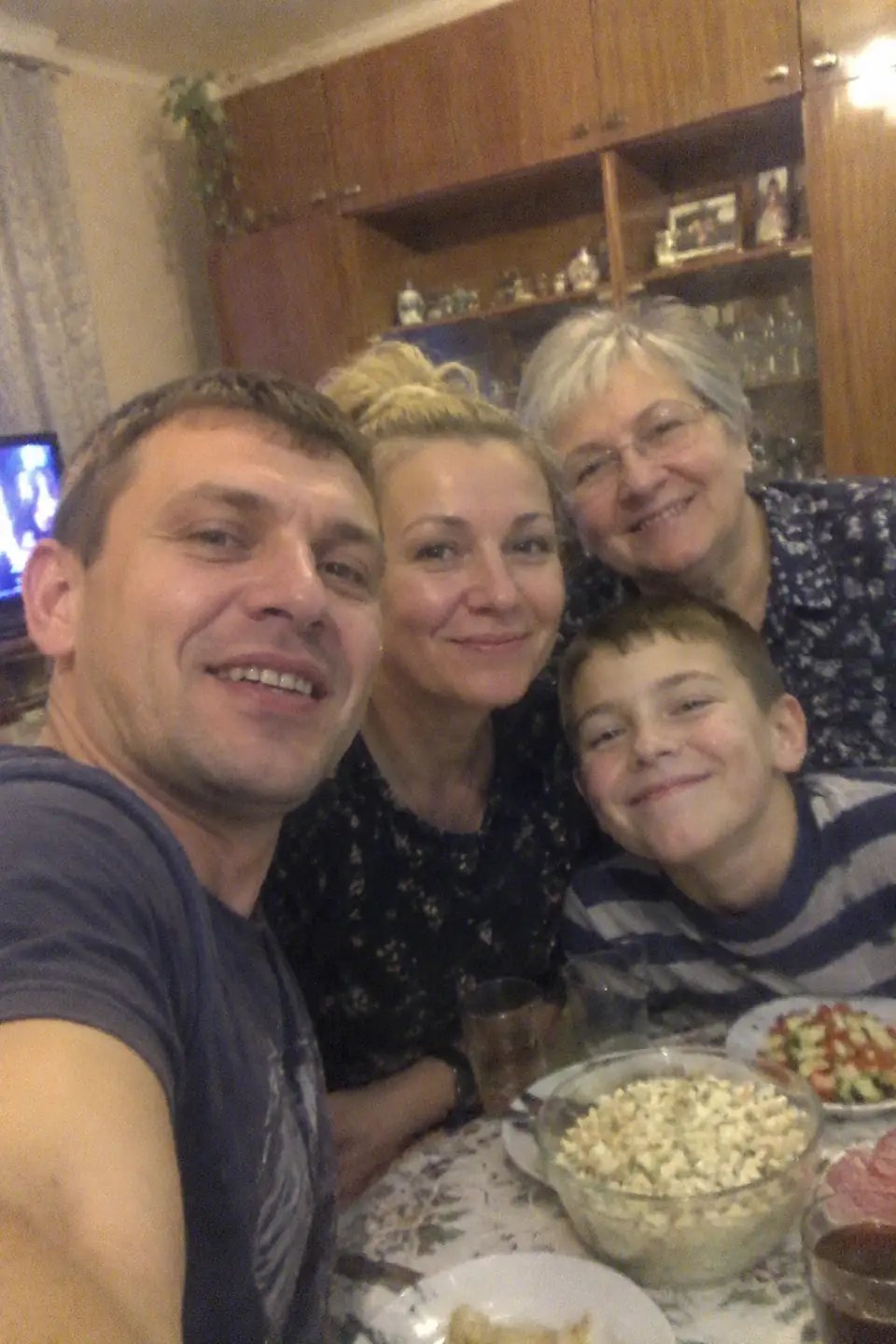
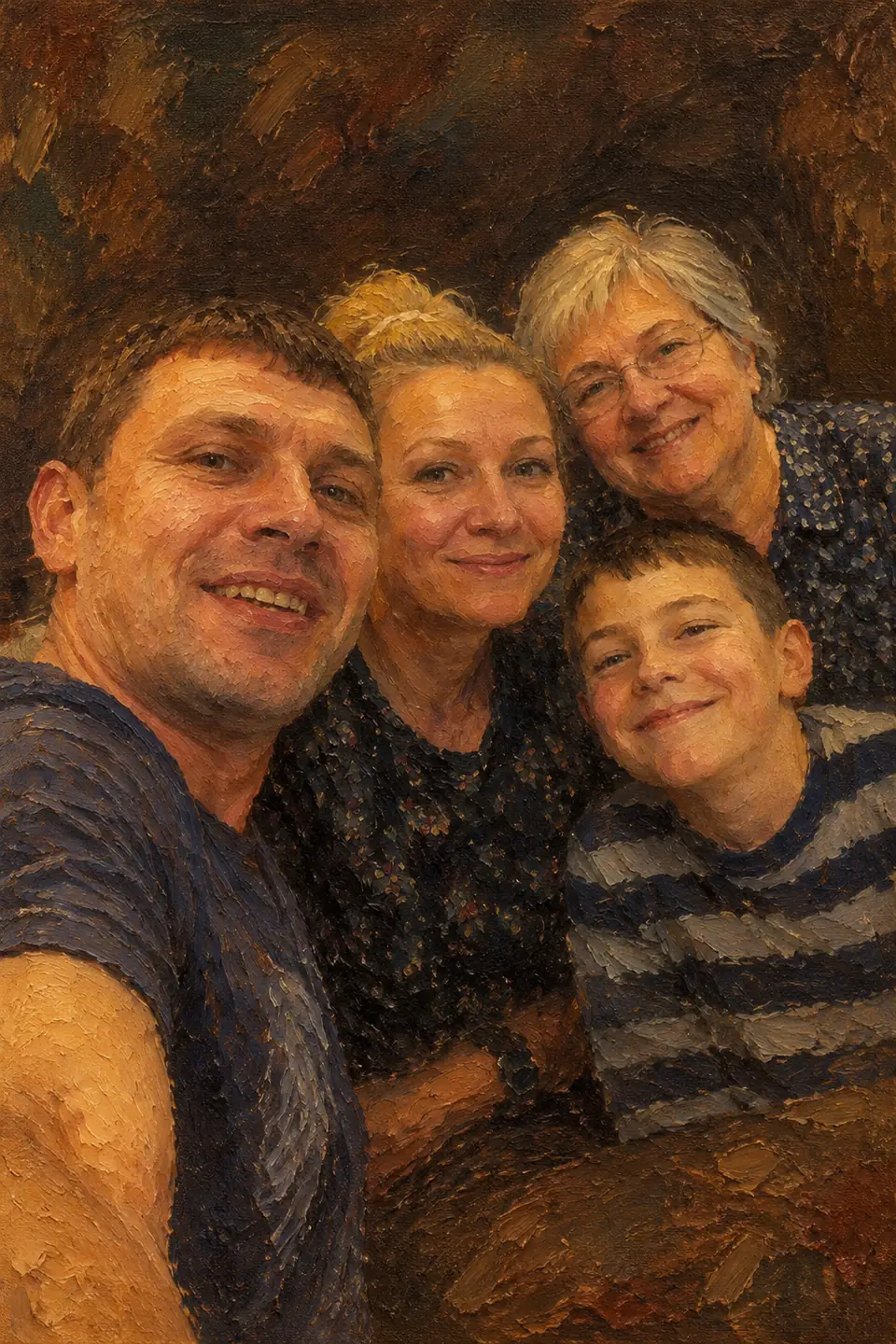
The file comes in high resolution, enough for an A4 print; painted styles also enlarge well for canvas. Order the print at any local or online print shop.
How it works
- Open DANOVA in your browser — nothing to install, no account needed.
- Upload one ordinary photo from your phone: face visible, no sunglasses or heavy filters.
- Download the result in about a minute. The first 2 photos are free.
FAQ
How do I turn a photo into an oil painting?
Open DANOVA, choose “Oil painting” and upload your photo. The painting is ready in about a minute.
Can I print it on canvas?
Yes. You receive a high-resolution image you can take to any print service.
Will it still look like me?
Yes. The AI keeps your facial features, age and hairstyle and changes only the scene, outfit and lighting. A clear, front-facing selfie gives the closest likeness.
Is it free?
Your first 2 photos are free — no sign-up and no card. After that you buy credit packs: 1 credit = 1 finished photo, and credits never expire.
What happens to my photos?
Photos are used only to create your picture and are deleted from our servers automatically after 7 days. We do not publish them or use them to train models.