AI photo studio in your browser


 2 photos freeno sign-up, no card
Turn your selfie into stunning AI photos
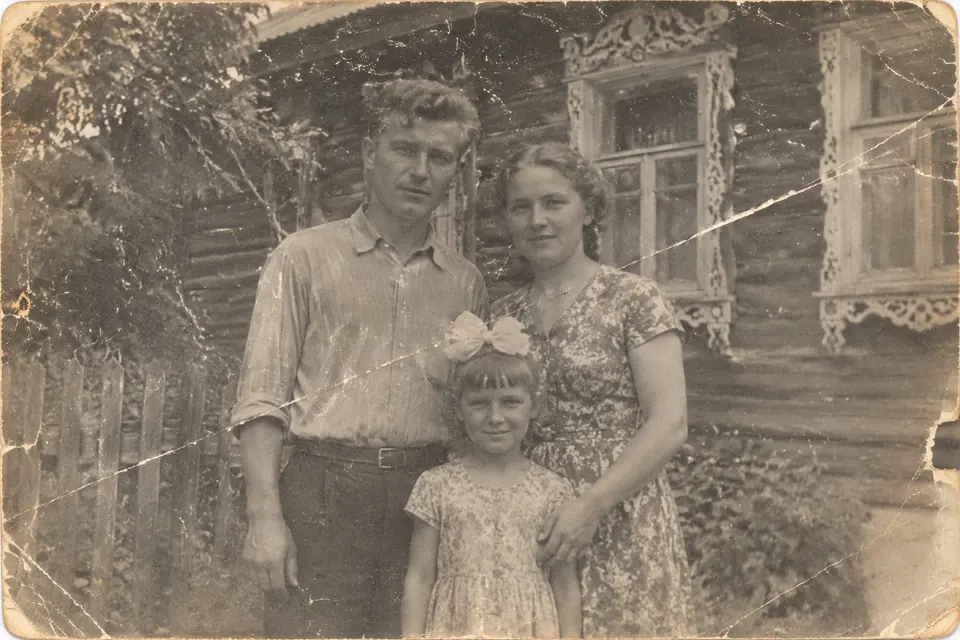
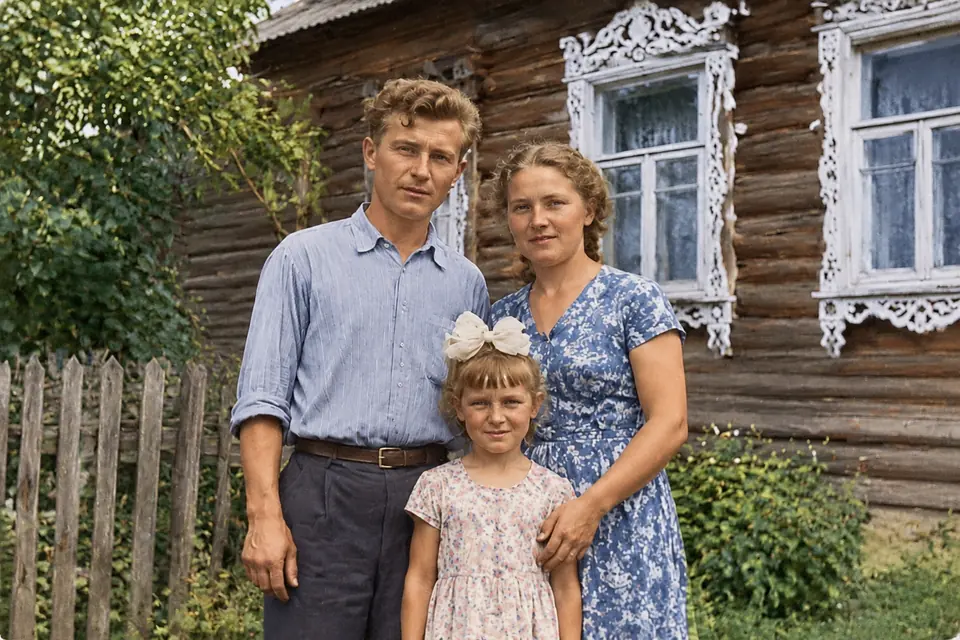
Professional portraits, personalised greeting cards and restored family photos — from one selfie, in about a minute.
2 photos freeno sign-up, no card

Ready in
1–2 minutes
1–2 minutes
One selfie
is enough
is enough
25+ styles
and cards
and cards
Install as
an app
an app
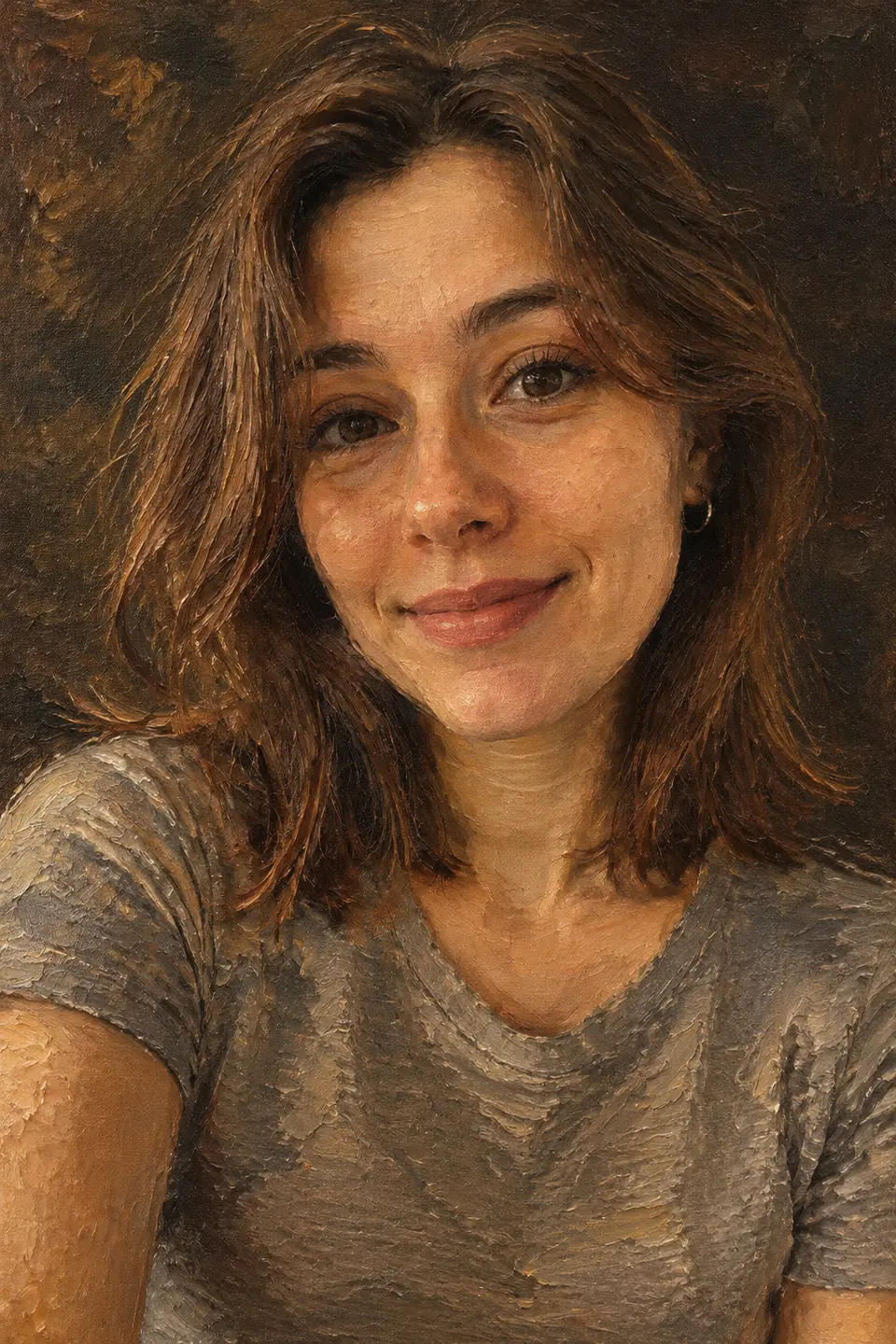
Popular styles
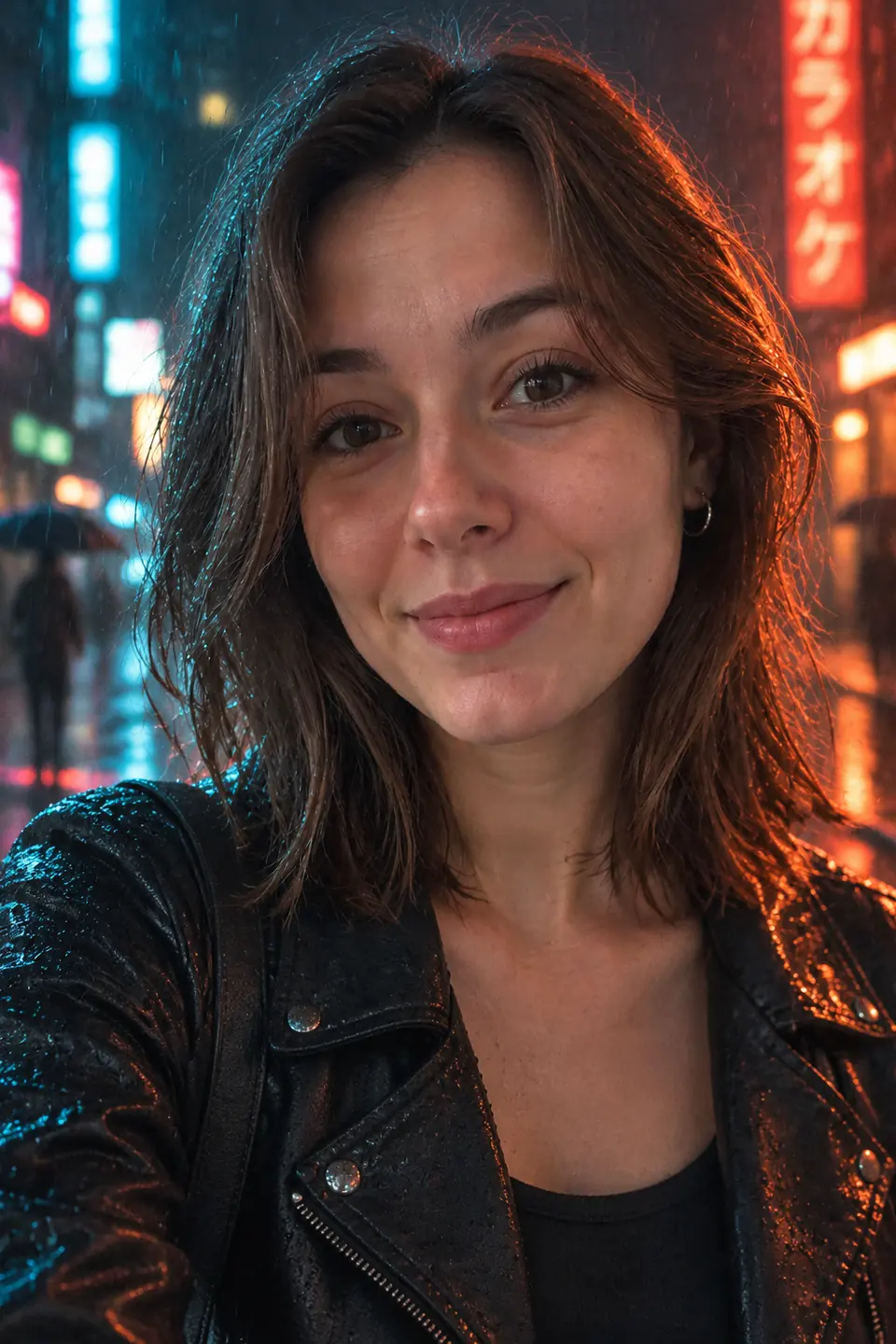
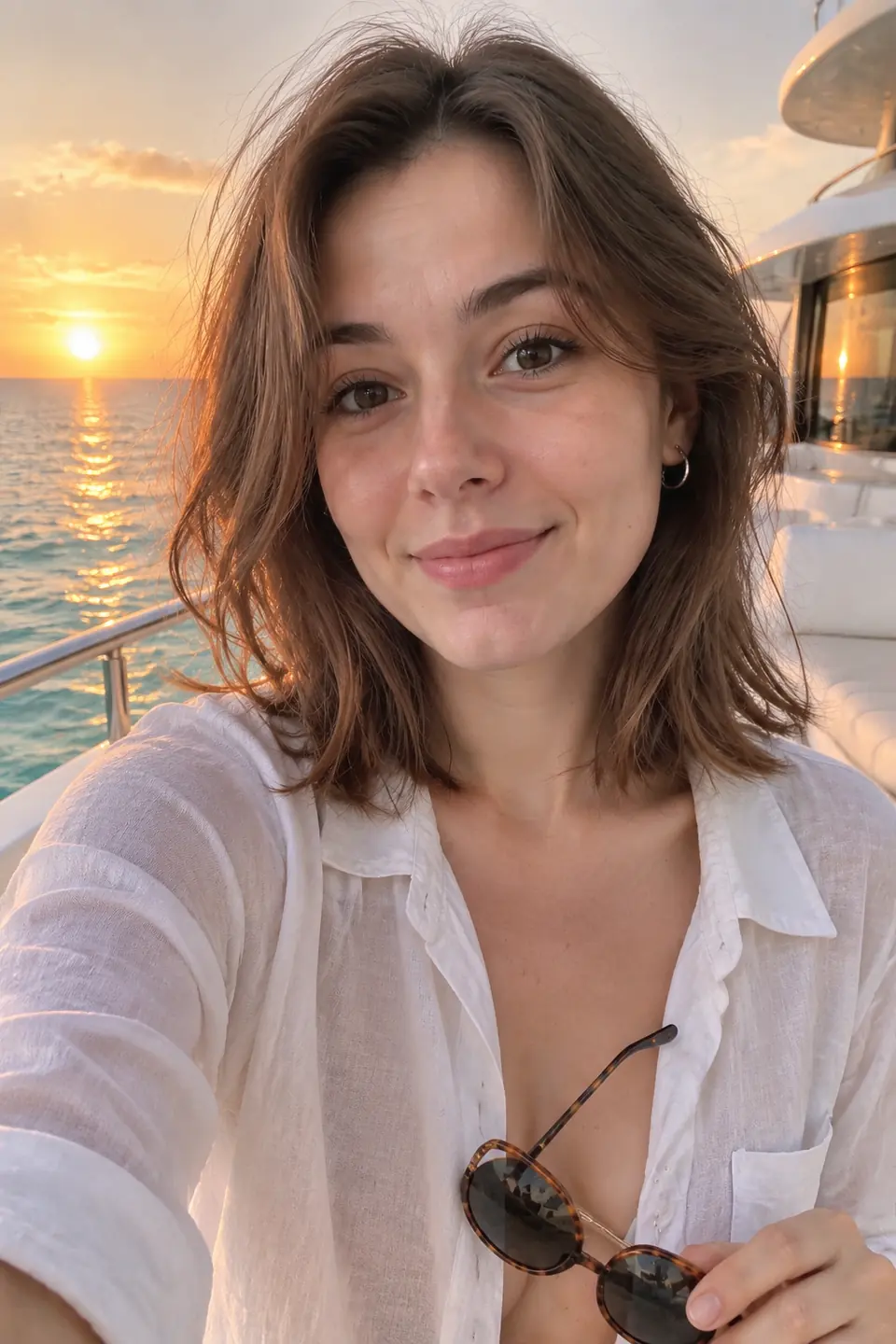
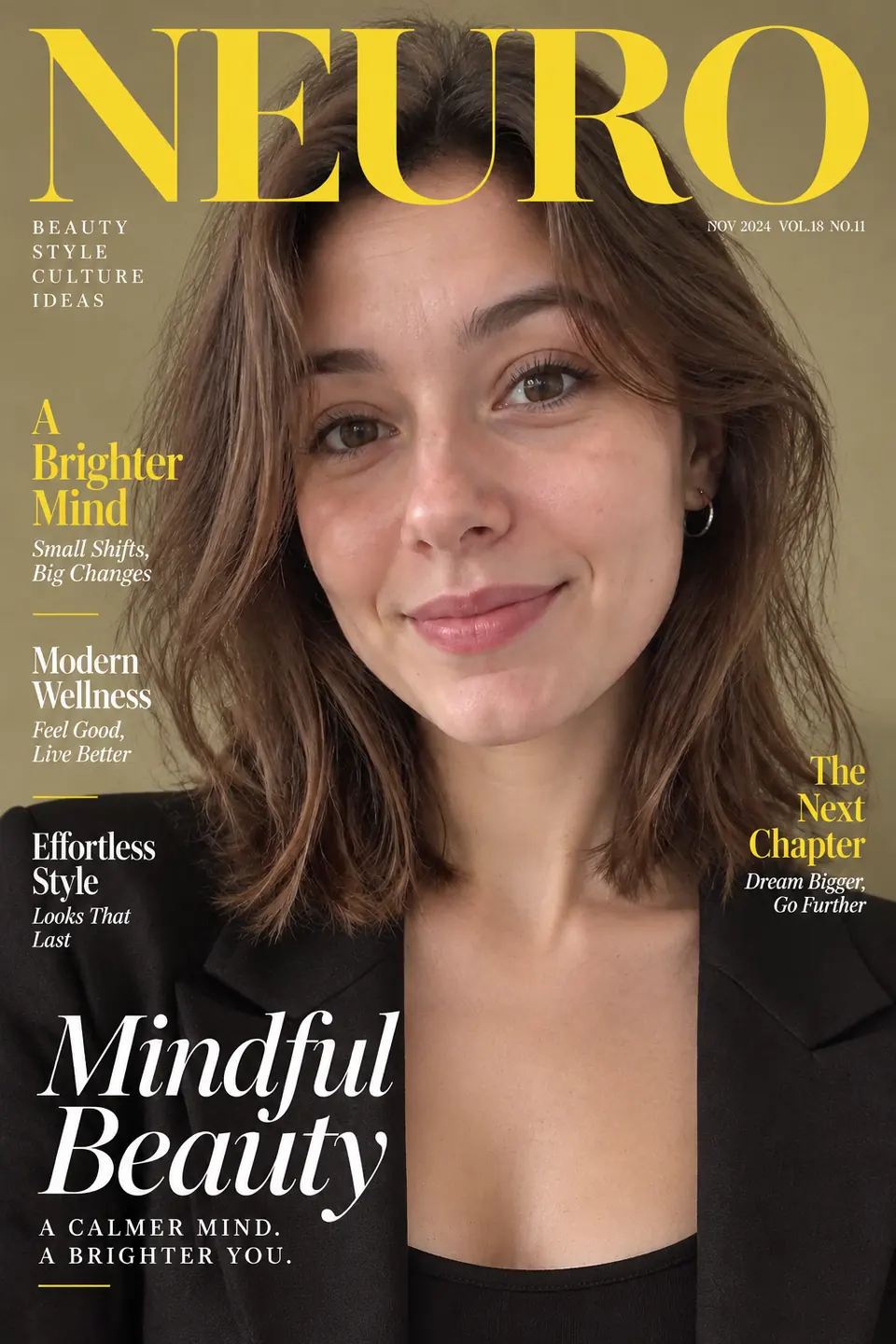
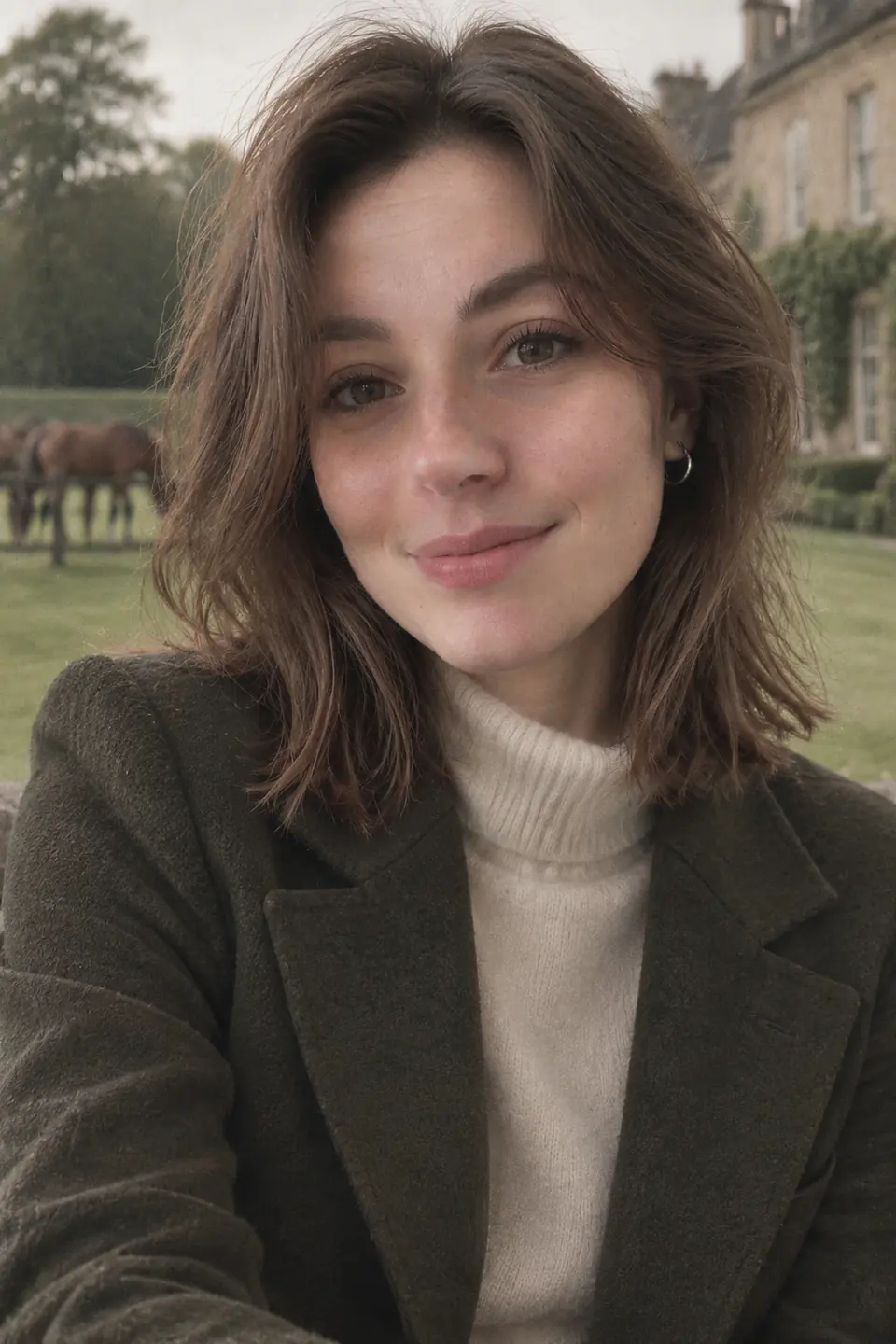
From classic headshots to cinematic scenes — tap a style to try it


How it works
Three simple steps
1
→
Pick a style
Business headshot, Christmas, magazine cover, oil painting and more
2
→
Upload a selfie
One clear photo of your face in good light
3
Download
Your new photo is ready in about a minute
What you can make
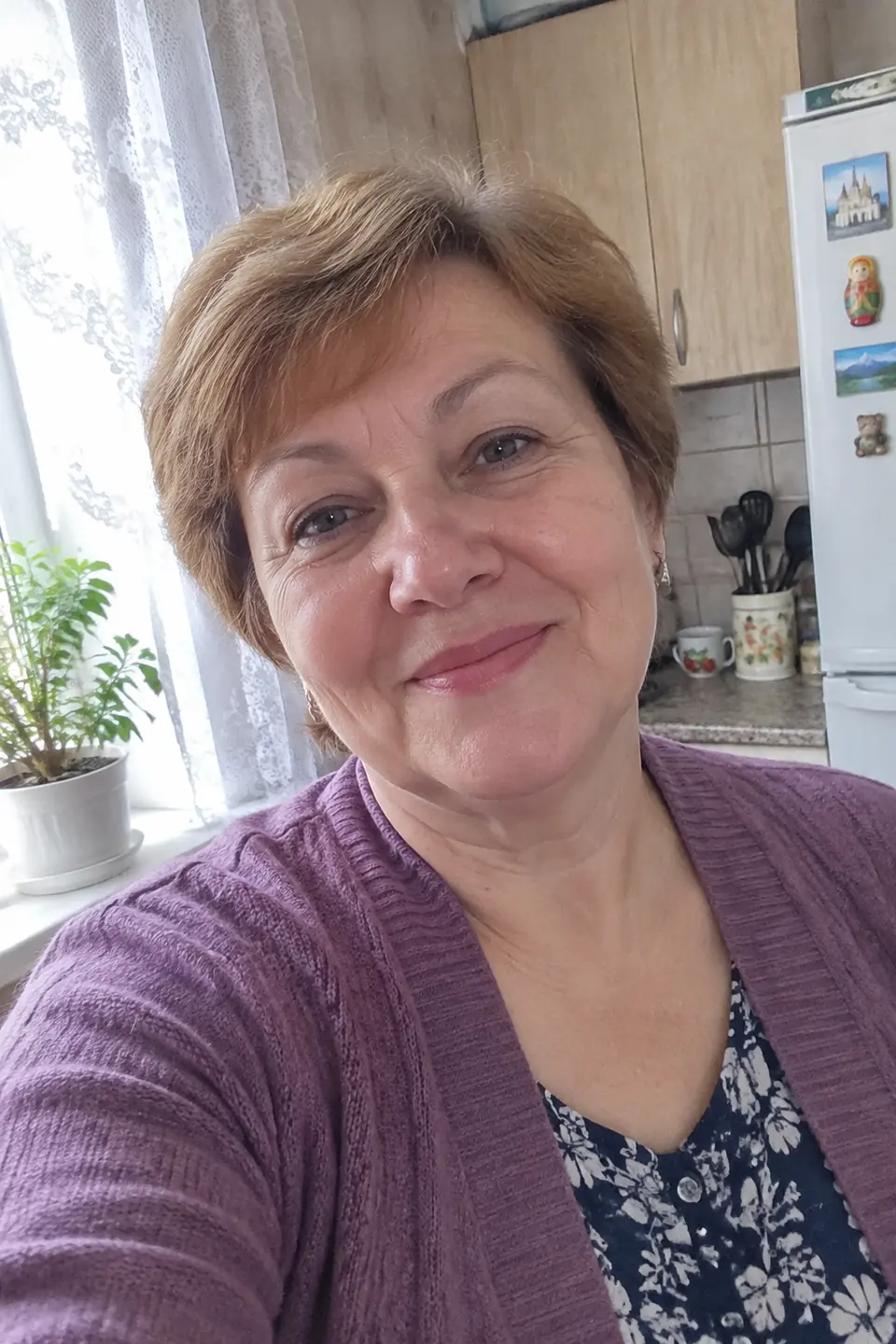
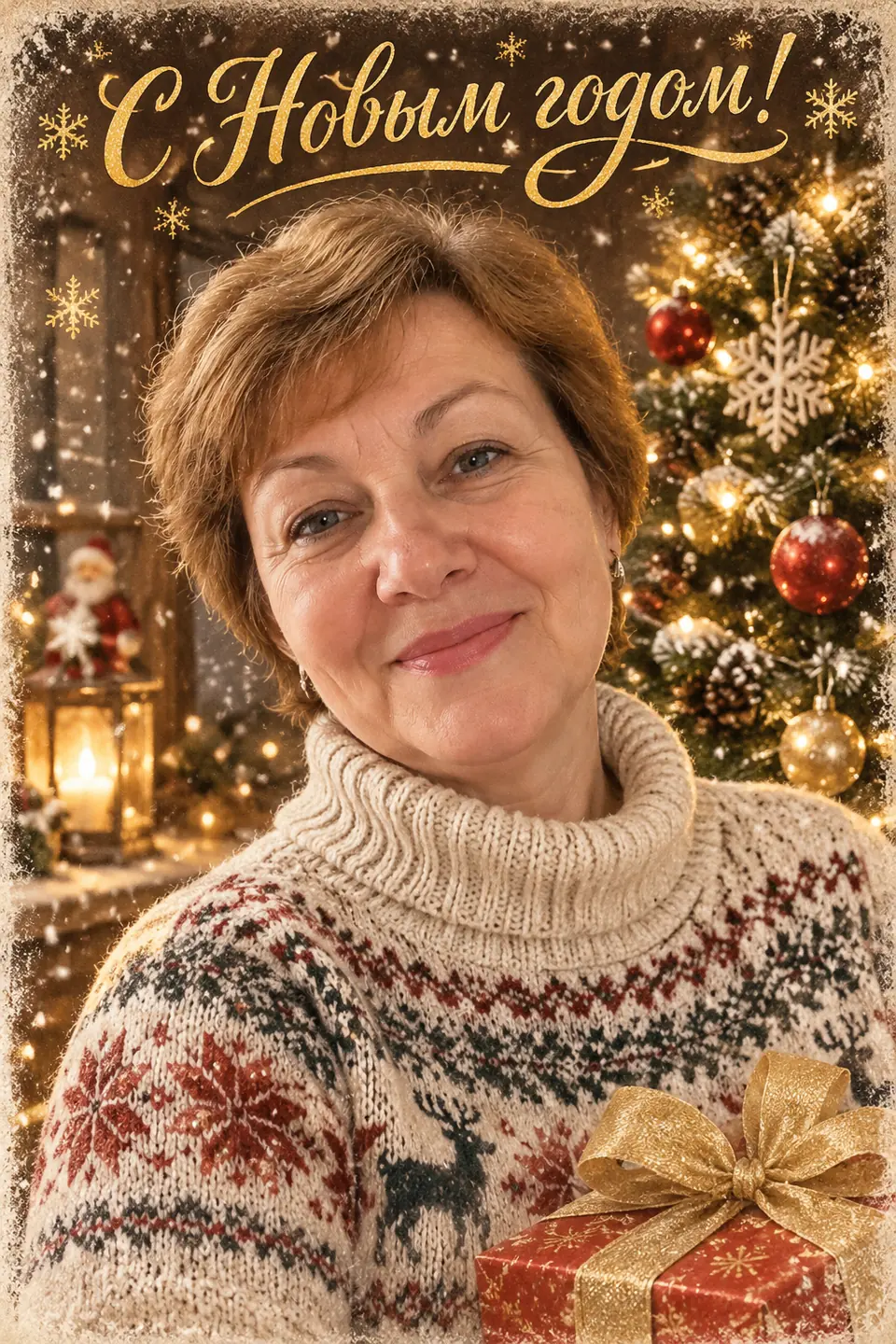
AI Christmas card
Your face in a cosy holiday scene — ready to send to family and friends.
Pricing
1 credit = 1 finished photo. Credits never expire
Prices are in Russian rubles (₽); your bank converts automatically. Visa, Mastercard and UnionPay cards accepted. First 2 photos are free.
FAQ
Is it free?
Yes, your first 2 photos are free and need no sign-up or card. Free photos carry a small watermark; paid photos come without it in full quality.
How does it work?
Pick a style, upload one clear selfie and wait about a minute. The AI keeps your facial features and places you in the chosen scene, outfit and light.
Which photo works best?
A sharp front-facing selfie in good light: face large in the frame, no sunglasses, no heavy filters, nothing covering the face. One person per photo for portraits.
What happens to my photos?
We use your photo only to create the image you asked for. We never publish it, never use it for advertising and delete uploads and results after 7 days.
How do I pay?
Credit packs are paid by card through Robokassa, a licensed Russian payment provider. Prices are in Russian rubles; your bank converts the amount automatically. You can also pay with Telegram Stars in our bot.
Do credits expire?
No. 1 credit = 1 finished photo, and unused credits stay on your balance. If generation fails, the credit is returned automatically.
Can I install it as an app?
Yes. Open getdanova.com/app in Chrome or Safari and tap “Install the app” (on iPhone: Share → Add to Home Screen). It opens full-screen like a regular app.
Which AI is used?
We use OpenAI GPT Image models through an official API provider, tuned with our own prompts for each style.