AI photo enhancer
Dark, grainy or slightly blurred phone photos become clear and bright: the AI removes noise, fixes exposure and brings back natural facial detail.

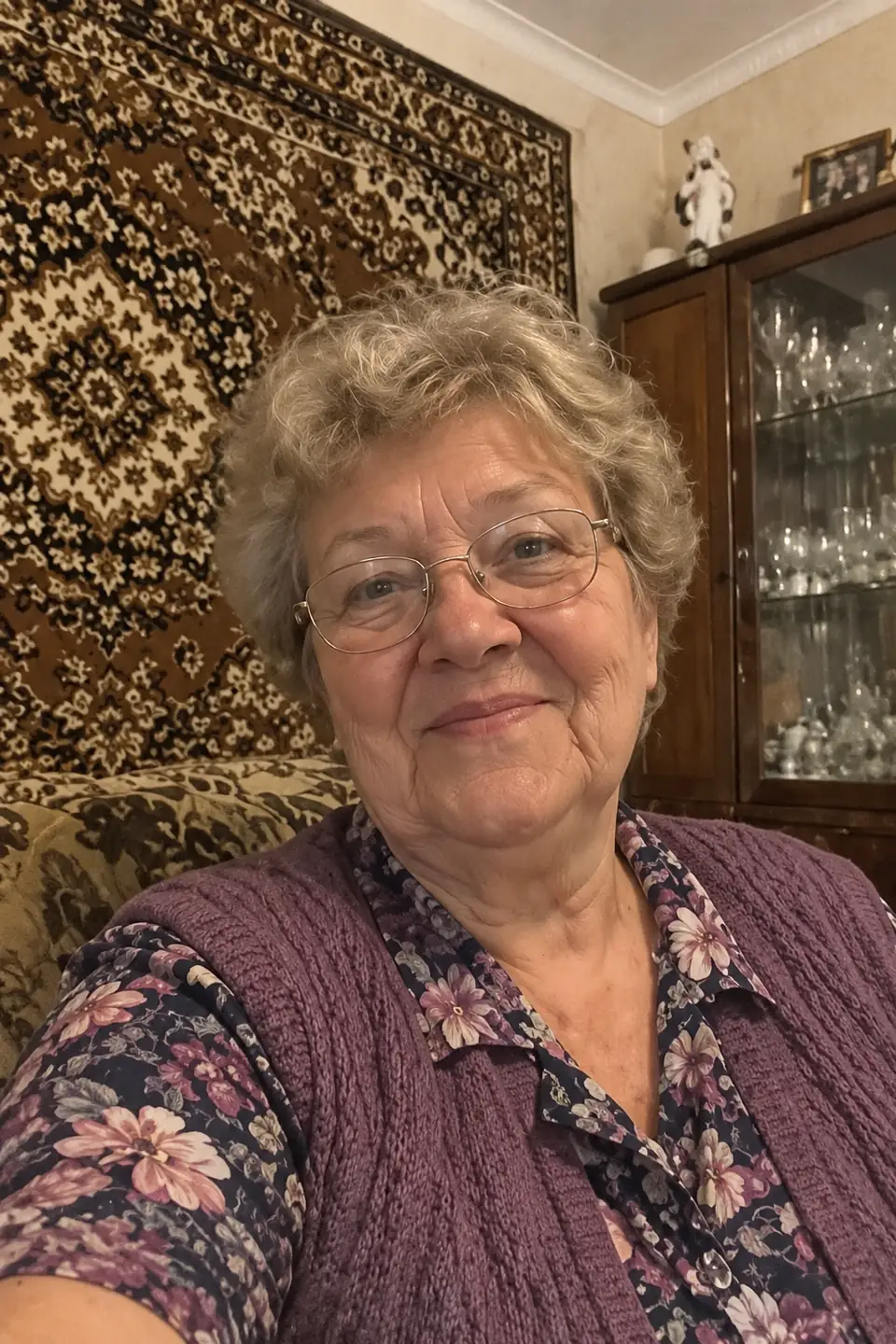
What it fixes
- Noise and grain from evening shots and old phones
- Soft focus and light blur on faces
- Dark photos and yellow or blue colour casts
- Scratches, stains and fading on old paper prints
What to expect
The AI rebuilds detail from context rather than revealing hidden pixels. If a face is only a few pixels wide or heavily smeared, features may change slightly. Enhanced photos are not suitable as evidence or for official documents.
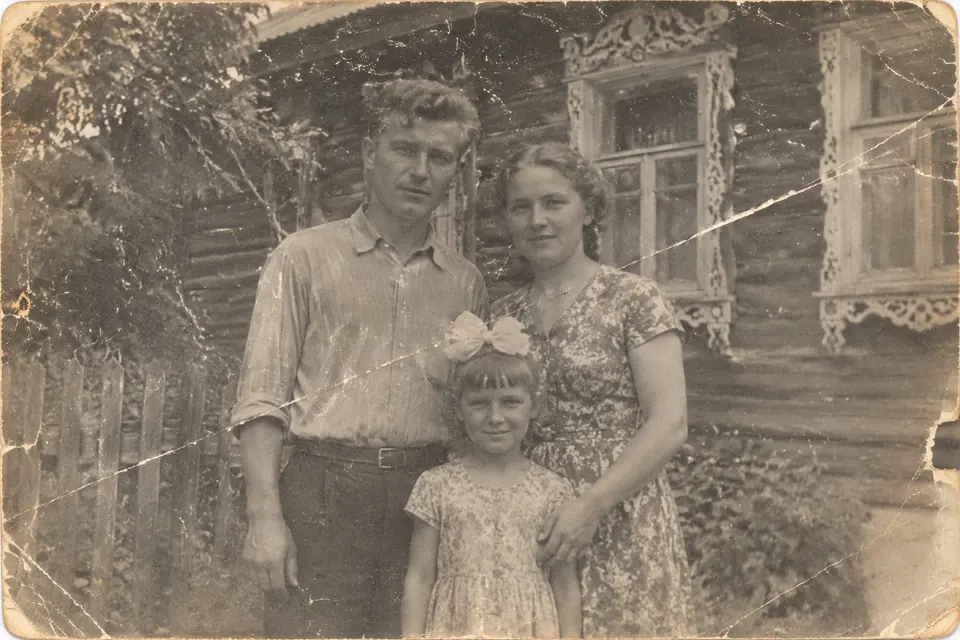
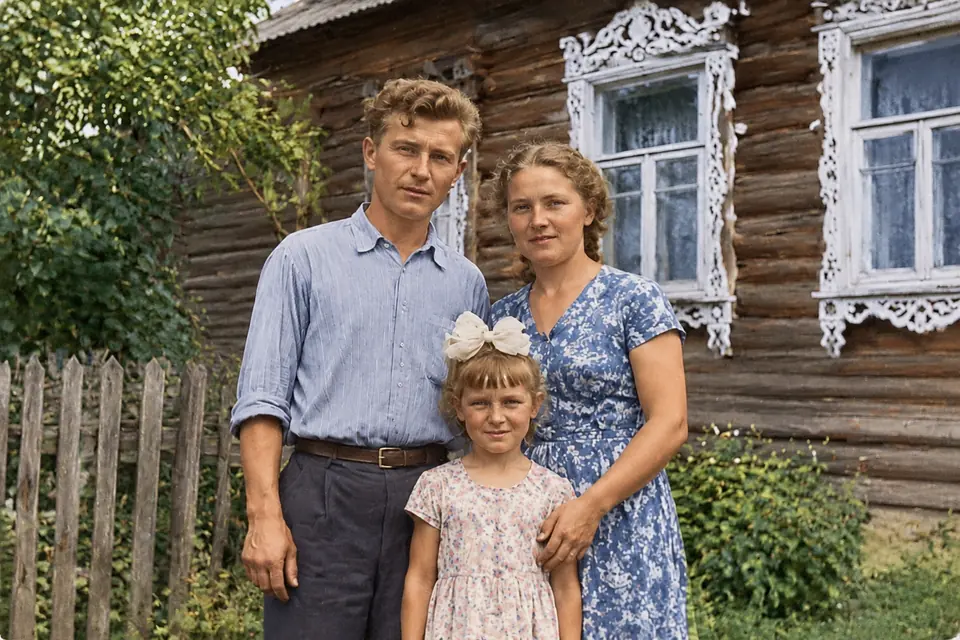
How it works
- Open DANOVA in your browser — nothing to install, no account needed.
- Upload one ordinary photo from your phone: face visible, no sunglasses or heavy filters.
- Download the result in about a minute. The first 2 photos are free.
FAQ
How do I enhance a photo with AI for free?
Open DANOVA, choose “Restore old photo” and upload the picture. The first 2 photos are free and no login is needed.
Can it fix a very blurry photo?
Light blur is fixed well. If the face is barely visible the AI will reconstruct it approximately, so likeness is not guaranteed.
Does it increase resolution?
Yes — results come in high resolution regardless of the original size.
What happens to my photos?
Photos are used only to create your picture and are deleted from our servers automatically after 7 days. We do not publish them or use them to train models.